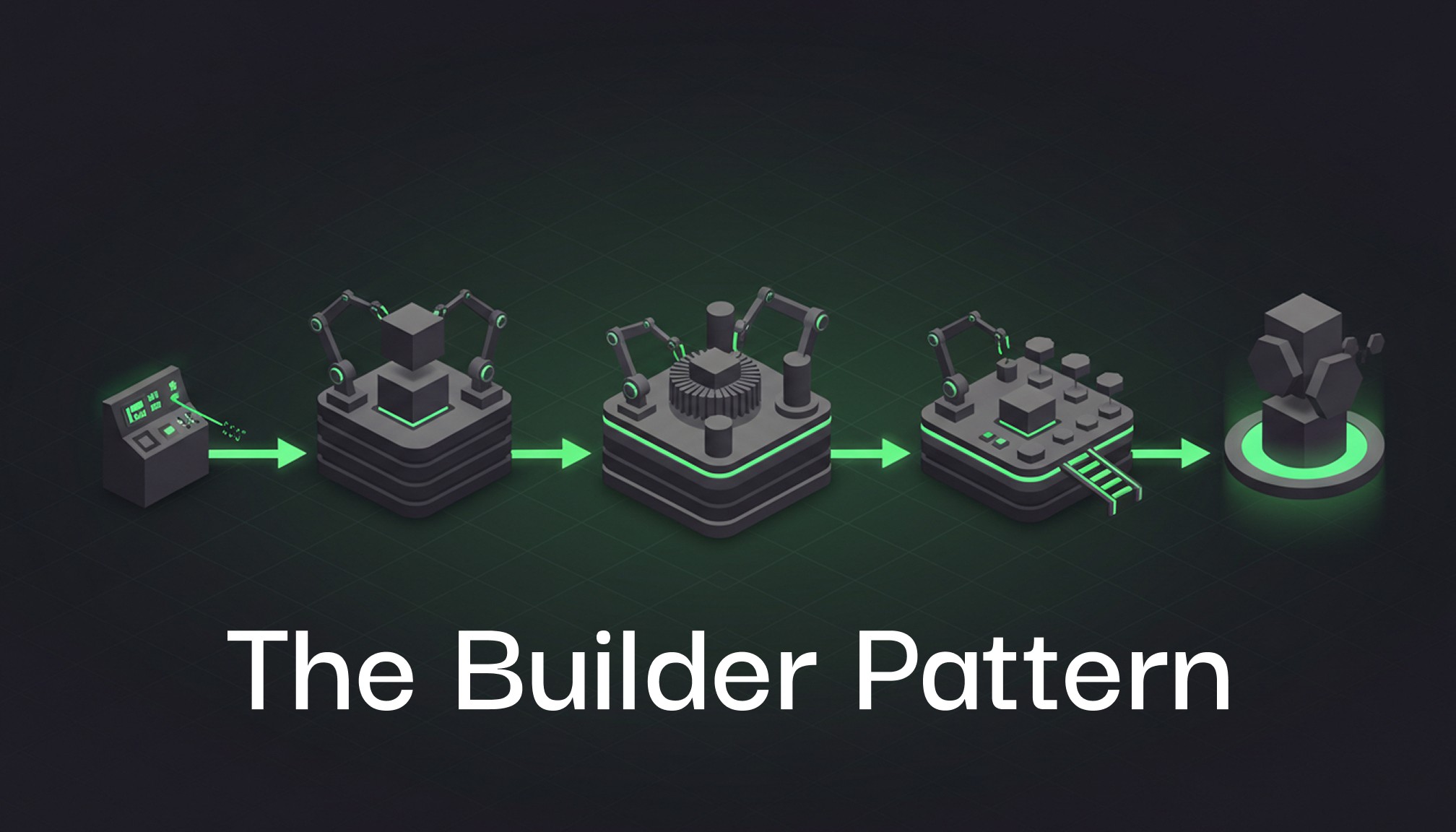
In our journey through design patterns, we’ve already tackled the Factory Method and Abstract Factory patterns. Both of these creational patterns offer ways to create objects, but what if the object you’re building is complex, with multiple parts, optional configurations, and many variations? This is where the Builder Pattern comes in.
The Builder Pattern allows developers to construct objects step-by-step while keeping the construction process separate from the object’s actual representation. This is particularly useful when dealing with complex objects or when we want to ensure that object creation is more controlled and flexible.
In today’s blog, we’ll dive deep into the Builder Pattern, break down its core components, look at a practical example in C#, and show how you can apply it in your own projects. Whether you’re a novice or a seasoned developer, this pattern has something for everyone.
What is the Builder Pattern?
The Builder Pattern is a creational design pattern that separates the construction of a complex object from its representation. By using the Builder pattern, the same construction process can create different representations of an object.
In simpler terms, this pattern is ideal when a class has many optional or required parameters and assembling the object requires multiple steps. Rather than dealing with complex constructors with dozens of parameters (constructor overload), the Builder pattern allows for step-by-step construction.
Key Benefits:
Step-by-step object construction: You build an object one step at a time and can control which parts are optional.
Fluent and readable: The pattern supports fluent interfaces, making the construction of objects readable and easy to maintain.
Reduced complexity: It handles complex constructors more elegantly and avoids “telescoping constructors.”
How Does the Builder Pattern Work?
At its core, the Builder pattern consists of the following components:
Builder: An abstract class or interface that defines the steps required to build the product (the object).
Concrete Builder: A class that implements the steps defined by the Builder interface to create a specific type of product.
Product: The final object that is being built.
Director: (Optional) A class that controls the building process using the builder.
Real-World Use Case: Building a Car
To illustrate how the Builder Pattern works, let’s consider an example of building a car. Cars have many components (e.g., engine, wheels, body) and optional features like GPS or a sunroof. Rather than creating an enormous constructor to handle all configurations, we’ll use the Builder pattern to construct the car step by step.
C# Example: Building a Benze Car
namespace BuilderPatternExample
{
public class Car
{
public string Engine { get; set; }
public string Wheels { get; set; }
public string Body { get; set; }
public bool HasGPS { get; set; }
public bool HasSunroof { get; set; }
public void ShowSpecifications()
{
Console.WriteLine($"Engine: {Engine}");
Console.WriteLine($"Wheels: {Wheels}");
Console.WriteLine($"Body: {Body}");
Console.WriteLine($"Has GPS: {HasGPS}");
Console.WriteLine($"Has Sunroof: {HasSunroof}");
}
}
public abstract class CarBuilder
{
protected Car car = new Car();
public Car GetCar()
{
return car;
}
public abstract void BuildEngine();
public abstract void BuildWheels();
public abstract void BuildBody();
public abstract void AddGPS();
public abstract void AddSunroof();
}
public class BenzeCarBuilder : CarBuilder
{
public override void BuildEngine()
{
car.Engine = "V8 Turbo Engine";
}
public override void BuildWheels()
{
car.Wheels = "19-inch Premium Alloy Wheels";
}
public override void BuildBody()
{
car.Body = "Luxury Sedan Body";
}
public override void AddGPS()
{
car.HasGPS = true;
}
public override void AddSunroof()
{
car.HasSunroof = true;
}
}
public class CarDirector
{
private CarBuilder builder;
public CarDirector(CarBuilder builder)
{
this.builder = builder;
}
public void ConstructCar()
{
builder.BuildEngine();
builder.BuildWheels();
builder.BuildBody();
builder.AddGPS();
builder.AddSunroof();
}
}
class Program
{
static void Main(string[] args)
{
CarBuilder benzeBuilder = new BenzeCarBuilder();
CarDirector benzeDirector = new CarDirector(benzeBuilder);
benzeDirector.ConstructCar();
Car benzeCar = benzeBuilder.GetCar();
benzeCar.ShowSpecifications();
}
}
}namespace BuilderPatternExample
{
public class Car
{
public string Engine { get; set; }
public string Wheels { get; set; }
public string Body { get; set; }
public bool HasGPS { get; set; }
public bool HasSunroof { get; set; }
public void ShowSpecifications()
{
Console.WriteLine($"Engine: {Engine}");
Console.WriteLine($"Wheels: {Wheels}");
Console.WriteLine($"Body: {Body}");
Console.WriteLine($"Has GPS: {HasGPS}");
Console.WriteLine($"Has Sunroof: {HasSunroof}");
}
}
public abstract class CarBuilder
{
protected Car car = new Car();
public Car GetCar()
{
return car;
}
public abstract void BuildEngine();
public abstract void BuildWheels();
public abstract void BuildBody();
public abstract void AddGPS();
public abstract void AddSunroof();
}
public class BenzeCarBuilder : CarBuilder
{
public override void BuildEngine()
{
car.Engine = "V8 Turbo Engine";
}
public override void BuildWheels()
{
car.Wheels = "19-inch Premium Alloy Wheels";
}
public override void BuildBody()
{
car.Body = "Luxury Sedan Body";
}
public override void AddGPS()
{
car.HasGPS = true;
}
public override void AddSunroof()
{
car.HasSunroof = true;
}
}
public class CarDirector
{
private CarBuilder builder;
public CarDirector(CarBuilder builder)
{
this.builder = builder;
}
public void ConstructCar()
{
builder.BuildEngine();
builder.BuildWheels();
builder.BuildBody();
builder.AddGPS();
builder.AddSunroof();
}
}
class Program
{
static void Main(string[] args)
{
CarBuilder benzeBuilder = new BenzeCarBuilder();
CarDirector benzeDirector = new CarDirector(benzeBuilder);
benzeDirector.ConstructCar();
Car benzeCar = benzeBuilder.GetCar();
benzeCar.ShowSpecifications();
}
}
}namespace BuilderPatternExample
{
public class Car
{
public string Engine { get; set; }
public string Wheels { get; set; }
public string Body { get; set; }
public bool HasGPS { get; set; }
public bool HasSunroof { get; set; }
public void ShowSpecifications()
{
Console.WriteLine($"Engine: {Engine}");
Console.WriteLine($"Wheels: {Wheels}");
Console.WriteLine($"Body: {Body}");
Console.WriteLine($"Has GPS: {HasGPS}");
Console.WriteLine($"Has Sunroof: {HasSunroof}");
}
}
public abstract class CarBuilder
{
protected Car car = new Car();
public Car GetCar()
{
return car;
}
public abstract void BuildEngine();
public abstract void BuildWheels();
public abstract void BuildBody();
public abstract void AddGPS();
public abstract void AddSunroof();
}
public class BenzeCarBuilder : CarBuilder
{
public override void BuildEngine()
{
car.Engine = "V8 Turbo Engine";
}
public override void BuildWheels()
{
car.Wheels = "19-inch Premium Alloy Wheels";
}
public override void BuildBody()
{
car.Body = "Luxury Sedan Body";
}
public override void AddGPS()
{
car.HasGPS = true;
}
public override void AddSunroof()
{
car.HasSunroof = true;
}
}
public class CarDirector
{
private CarBuilder builder;
public CarDirector(CarBuilder builder)
{
this.builder = builder;
}
public void ConstructCar()
{
builder.BuildEngine();
builder.BuildWheels();
builder.BuildBody();
builder.AddGPS();
builder.AddSunroof();
}
}
class Program
{
static void Main(string[] args)
{
CarBuilder benzeBuilder = new BenzeCarBuilder();
CarDirector benzeDirector = new CarDirector(benzeBuilder);
benzeDirector.ConstructCar();
Car benzeCar = benzeBuilder.GetCar();
benzeCar.ShowSpecifications();
}
}
}namespace BuilderPatternExample
{
public class Car
{
public string Engine { get; set; }
public string Wheels { get; set; }
public string Body { get; set; }
public bool HasGPS { get; set; }
public bool HasSunroof { get; set; }
public void ShowSpecifications()
{
Console.WriteLine($"Engine: {Engine}");
Console.WriteLine($"Wheels: {Wheels}");
Console.WriteLine($"Body: {Body}");
Console.WriteLine($"Has GPS: {HasGPS}");
Console.WriteLine($"Has Sunroof: {HasSunroof}");
}
}
public abstract class CarBuilder
{
protected Car car = new Car();
public Car GetCar()
{
return car;
}
public abstract void BuildEngine();
public abstract void BuildWheels();
public abstract void BuildBody();
public abstract void AddGPS();
public abstract void AddSunroof();
}
public class BenzeCarBuilder : CarBuilder
{
public override void BuildEngine()
{
car.Engine = "V8 Turbo Engine";
}
public override void BuildWheels()
{
car.Wheels = "19-inch Premium Alloy Wheels";
}
public override void BuildBody()
{
car.Body = "Luxury Sedan Body";
}
public override void AddGPS()
{
car.HasGPS = true;
}
public override void AddSunroof()
{
car.HasSunroof = true;
}
}
public class CarDirector
{
private CarBuilder builder;
public CarDirector(CarBuilder builder)
{
this.builder = builder;
}
public void ConstructCar()
{
builder.BuildEngine();
builder.BuildWheels();
builder.BuildBody();
builder.AddGPS();
builder.AddSunroof();
}
}
class Program
{
static void Main(string[] args)
{
CarBuilder benzeBuilder = new BenzeCarBuilder();
CarDirector benzeDirector = new CarDirector(benzeBuilder);
benzeDirector.ConstructCar();
Car benzeCar = benzeBuilder.GetCar();
benzeCar.ShowSpecifications();
}
}
}In this example, we’re building a Benze car with specific components, including a V8 Turbo Engine, 19-inch Premium Alloy Wheels, and optional features like GPS and a sunroof. By following the Builder Pattern, we’ve created a clean, modular, and extendable way of assembling the car.
Applying the Builder Pattern in Your Projects
You can apply the Builder pattern in any scenario where:
You need to construct objects with multiple steps or configurations.
You want to control the object construction process in a step-by-step manner.
Your object has optional fields or properties.
For example:
User Profiles: If your application allows users to create profiles with optional details (e.g., profile picture, social media links), the Builder pattern can help manage these optional fields.
Reports and Documents: When building documents or reports with various sections, headers, footers, and optional parts, the Builder pattern makes the construction process more flexible and maintainable.
Advantages of the Builder Pattern
Fluent API: The step-by-step nature of the Builder pattern creates a fluent interface, making it easy to read and write.
Simplified Construction: You avoid cluttered constructors that take many arguments. Instead, you construct the object gradually and only add necessary parts.
Reusability: The same construction process can be reused to build different products (e.g., you can easily switch from a Benze car to an SUV by changing the builder).
Downsides of the Builder Pattern
While the Builder Pattern offers several advantages, it also has its limitations:
Overhead: For simple objects, using a builder can be overkill and add unnecessary complexity.
Extra Classes: The pattern introduces additional classes (e.g., Director, Concrete Builder) that might be unnecessary for small-scale applications.
Conclusion
The Builder Pattern shines when you need to build complex objects with multiple configurations, ensuring that the construction process is well-structured and maintainable. It’s widely applicable across different domains, from building UI components to assembling vehicles, and can greatly simplify object creation in your software projects.
By separating the construction process from the product itself, the Builder Pattern makes your code easier to maintain, extend, and understand — perfect for developers seeking clean, readable code.
Ready to give the Builder Pattern a try in your next project? Let me know in the comments how you’ve applied it and what challenges you’ve faced! Stay tuned for more in the Cracking the Code series, where we’ll continue exploring more design patterns to level up your development skills.