Cracking the Code: The Prototype Pattern Explained — Cloning Objects with Ease
Vishal Gangapuram
Inthe world of software development, object creation is a common task. However, there are times when creating a new object from scratch is either resource-intensive or involves too much setup. Enter the Prototype Pattern — a Creational Pattern that allows you to create new objects by simply cloning an existing one, giving you flexibility and efficiency when it comes to object creation.
This blog is part of my ongoing Cracking the Code blog series, where we break down common design patterns in a beginner-friendly, yet comprehensive way. If you’re following along, you might have already read the previous posts in this series:
Cracking the Code: A Beginner’s Guide to Design Patterns —an introductory guide for developers to grasp the basics of design patterns.
Cracking the Code: The Factory Method Pattern Explained — a deep dive into how the Factory Method Design Pattern helps solve object creation problems.
Cracking the Code: The Abstract Factory Pattern Explained — exploring how to create families of related objects without specifying their concrete classes using the Abstract Factory Pattern.
Cracking the Code: The Builder Pattern Explained — Constructing Complex Objects, One Step at a Time — demonstrating how the Builder Pattern helps create complex objects in a step-by-step fashion.
Now, let’s continue our journey with the Prototype Pattern, another useful creational design pattern that allows you to clone objects instead of creating them from scratch.
What is the Prototype Pattern?
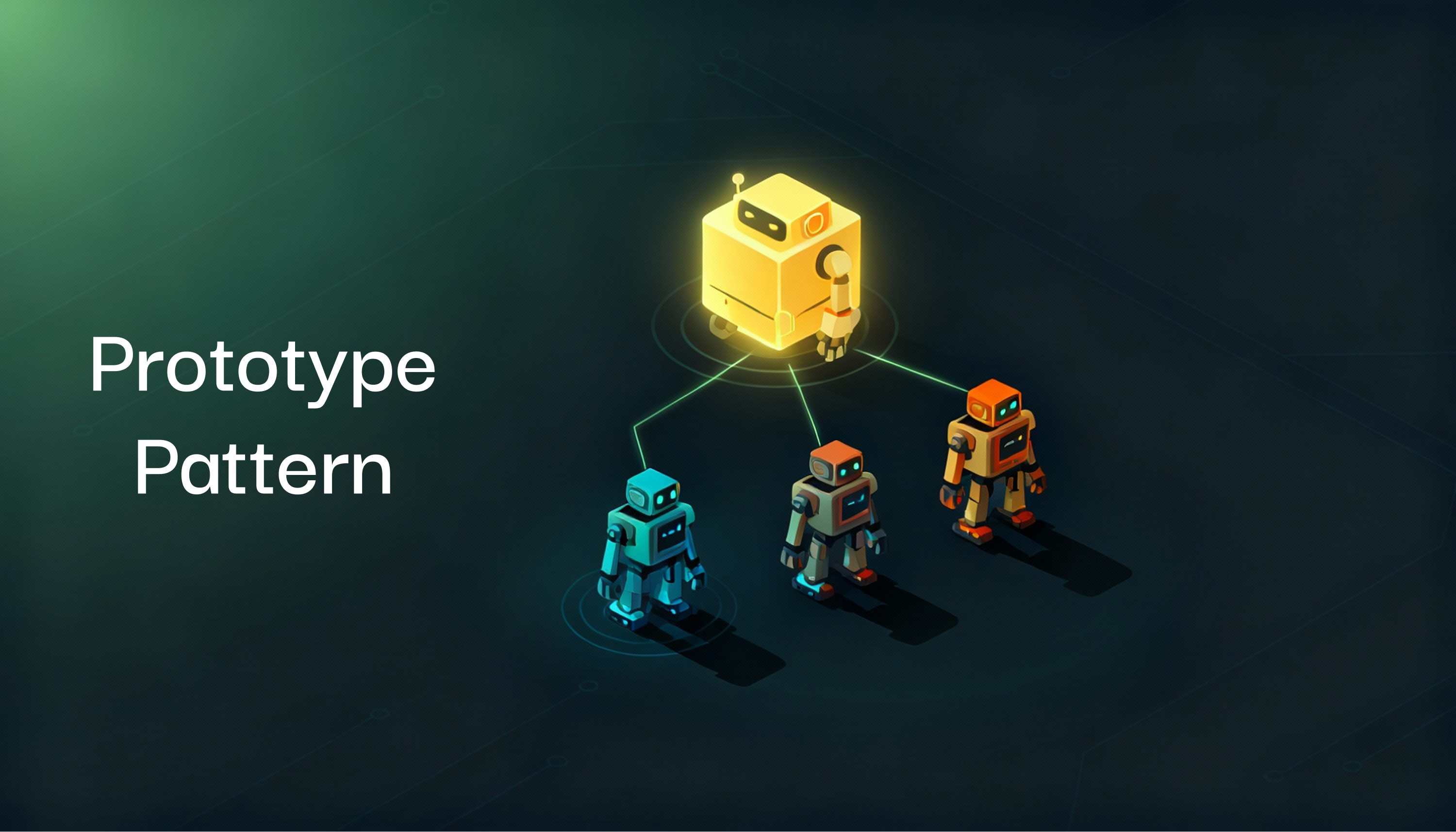
The Prototype Pattern lets you create new objects by copying or “cloning” an existing object, known as a prototype. This pattern is particularly useful when object creation is complex, resource-heavy, or time-consuming. Instead of repeatedly recreating objects from scratch, you can clone an existing object, tweak it, and move on. The pattern typically involves implementing a Clone method, allowing objects to create duplicates of themselves.
Think of it like copying a template: You have a basic object prototype, and whenever you need a new object, you make a copy of that template and modify the specifics.
When Should You Use the Prototype Pattern?
The Prototype Pattern is useful in scenarios where:
Object creation is costly: If creating a new object involves complex logic, large datasets, or resource-intensive operations, it’s more efficient to clone an existing object.
Dynamic object configuration: If your objects can be altered at runtime or need to be duplicated with slightly different configurations, the Prototype Pattern is ideal.
Avoiding subclass proliferation: In certain cases, subclassing might lead to a bloated inheritance tree. Cloning objects can avoid unnecessary subclass creation while still allowing unique configurations.
How Does It Work?
In simple terms, the Prototype Design Pattern involves:
Prototype Interface: This defines the method (Clone()) that all prototypes should implement. The goal of this method is to clone the object.
Concrete Prototype: This is the class implementing the prototype interface and contains the actual object that will be cloned.
Client: The part of your code where the cloning operation takes place, calling the Clone() method on prototype objects.
Let’s jump into some C# code to see how this works!
Example: Game Character Creation
Imagine you’re building a game with different character types. Each character has attributes like name, weapon, and special abilities. Instead of manually setting up each character, you create a prototype (a base character) and clone it to generate new characters with minor modifications.
Here’s a C# implementation using the Prototype Pattern:
Breaking Down the Code
CharacterPrototype: This is the abstract class that defines the Clone() method. All objects that can be cloned will implement this method.
GameCharacter: This is the concrete implementation of CharacterPrototype. Each character has a name, weapon, and special ability. The Clone() method is overridden to create a shallow copy of the character using MemberwiseClone().
Game: The client code demonstrates how to clone the original character and create variations by modifying the cloned object’s properties.
When you run this code, you’ll see that the warrior character is cloned twice to create new characters, rogue and mage, with different names, weapons, and abilities. This makes it easy to generate new characters without having to re-initialize them from scratch.
Real-World Applications of the Prototype Pattern
The Prototype Pattern is widely applicable across different software domains. Here are some examples:
Game Development: Cloning base characters or objects (like we saw in the example) to create variations for enemies, players, or NPCs.
Document Editing Software: Software like Microsoft Word or Google Docs can use prototypes to create new documents based on a template.
UI Components: In UI frameworks, the Prototype Pattern is helpful when you need to clone UI components (e.g., buttons, forms) with slight modifications.
Networking: Cloning network configurations, protocol objects, or communication settings can make networking operations more efficient.
Advantages of Using the Prototype Pattern
Efficient Object Creation: Instead of constructing an object from scratch, the Prototype Pattern allows you to create new instances by cloning an existing one. This reduces the cost of initialization.
Flexibility: You can add new prototypes or alter existing ones at runtime without modifying the system’s core logic.
Simplifies Object Creation Logic: The Prototype Pattern can help reduce complex object creation logic, making your code more manageable.
Disadvantages of the Prototype Pattern
Cloning Complexity: If your objects contain nested references (objects inside objects), the cloning process can become complex, particularly with deep copies.
Managing External Resources: If the cloned object holds references to external resources (files, connections), proper resource management must be implemented to avoid issues.
Lack of Clarity: Overuse of cloning can sometimes lead to code that’s hard to understand, as the process of creating objects is less explicit than with constructors.
Conclusion
The Prototype Pattern is a powerful tool in the world of object creation, allowing developers to create new objects by cloning existing ones. In scenarios where object initialization is costly or complex, this pattern provides a flexible and efficient way to handle object creation. From game development to document management and networking, the Prototype Pattern can be applied across various domains, making it an invaluable asset in any developer’s toolkit.
By understanding and applying the Prototype Pattern, you can streamline object creation in your projects, reduce redundancy, and ensure flexibility in object management.
So the next time you’re faced with the challenge of creating multiple similar objects, consider the Prototype Pattern — clone it, tweak it, and move forward with ease!
I hope this post has made the Prototype Pattern easier to understand and encouraged you to try it in your own projects. Keep following the Cracking the Code series for more tips on design patterns that can make software development simpler and more effective!