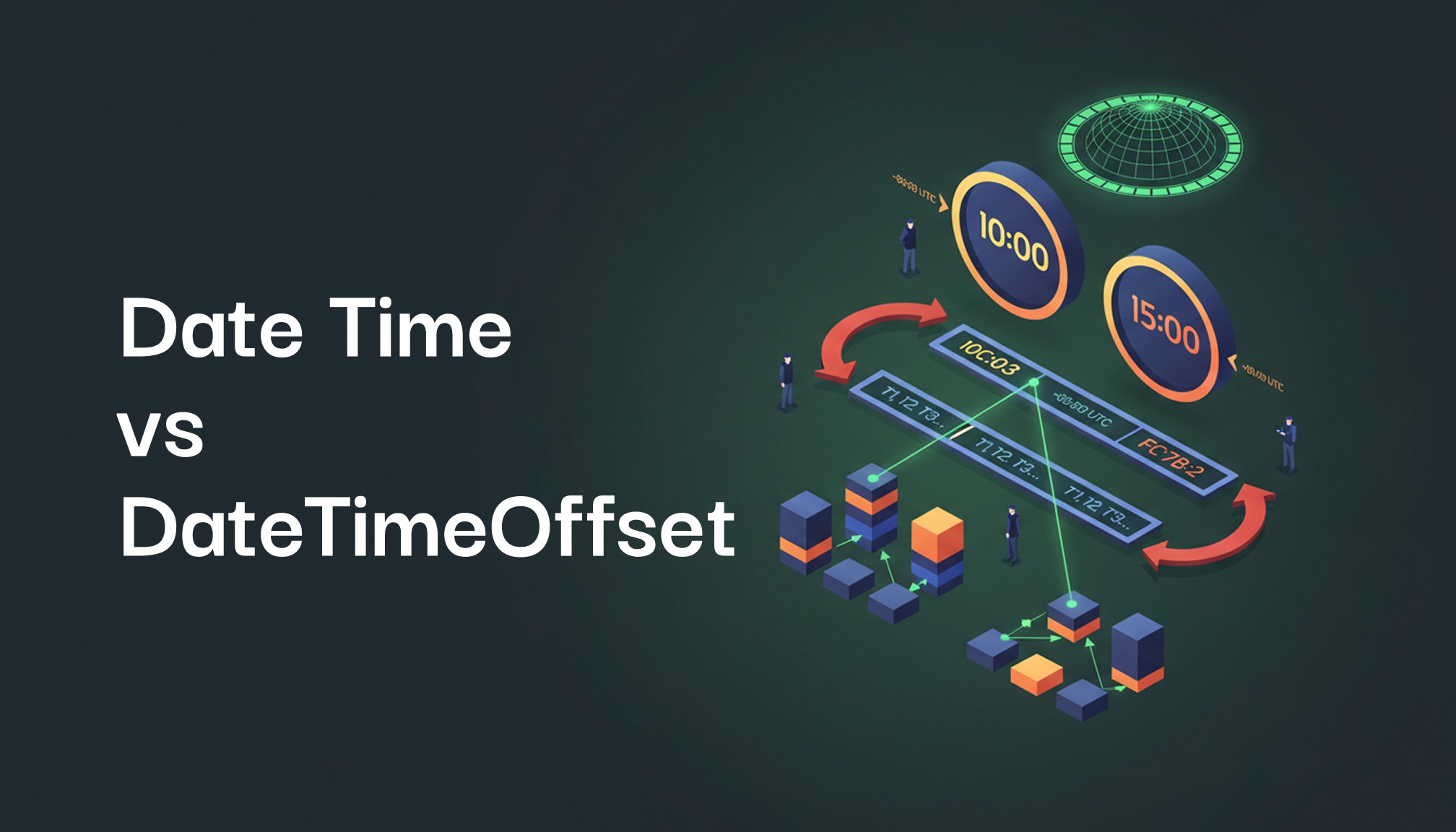
Why Mixing DateTime and DateTimeOffset in .NET Can Cause Time Discrepancies
Home Sankar Reddy V
The Setup
Let’s consider an example scenario to illustrate the issue. Imagine a project where two interdependent entities handle time information:
Entity A (User Actions): Stores timestamps using
DateTime.Entity B (System Logs): Stores timestamps using
DateTimeOffset.
The goal is to correlate user actions (e.g., button clicks) with system logs (e.g., API calls). On the surface, this design might seem logical — each entity uses what appears to be the “right” data type for its purpose. However, this setup can lead to subtle issues when precise time synchronization is required, as I discovered in my project.
What Went Wrong?
The problem emerged during daylight saving time. Here’s what happened:
Entity A’s
DateTime:
DateTimedoesn’t inherently store time zone or offset information. In this case, it represented the local time (DateTimeKind.Local) without any indication of daylight saving.During the DST period,
DateTimeshowed the unadjusted local time, resulting in a 1-hour delay compared to the actual time.
2. Entity B’s DateTimeOffset:
DateTimeOffsetincludes the offset from UTC, making it immune to DST discrepancies.During the same period,
DateTimeOffsetcorrectly reflected the adjusted local time, with the offset ensuring time accuracy.
3. Synchronization Issues:
When comparing or correlating timestamps between the two entities, the 1-hour discrepancy caused significant issues:
Logs appeared to precede user actions.
Time calculations and reports were inconsistent.
Debugging and troubleshooting became a nightmare.
Why Mixing DateTime and DateTimeOffset Is Risky
Using these two types interchangeably introduces several risks:
Ambiguity in
DateTime: Without explicit offset or time zone information, it’s impossible to determine whether aDateTimevalue is local, UTC, or adjusted for DST.Accuracy of
DateTimeOffset: While more precise,DateTimeOffsetrequires consistent usage across related entities to be effective.Synchronization Challenges: Any time-based logic relying on both types can produce unreliable results.
Key Lessons Learned
This experience highlighted the importance of consistency and careful planning when handling time in .NET. Here’s how you can avoid similar pitfalls:
Standardize on a Single Type:
Use
DateTimeOffsetacross all entities when accuracy and time zone awareness are critical.Reserve
DateTimefor UTC-only scenarios or non-critical local time values.
2. Store Timestamps in UTC:
Normalize all timestamps to UTC for storage. Convert to local time only when displaying to users.
3. Account for DST in Local Time:
If you must use
DateTimein local time, ensure that DST adjustments are explicitly handled in your application logic.
4. Test Across DST Transitions:
Include test cases for scenarios involving DST changes to catch potential discrepancies before they occur in production.
Conclusion
Mixing DateTime and DateTimeOffset in a .NET application may seem harmless, but as I discovered, it can lead to subtle and frustrating bugs when time accuracy is critical. By choosing the right data type and adopting consistent practices, you can design systems that handle time data reliably, even in complex scenarios.