Welcome back to the “Cracking the Code” blog series, where we dive deep into Design Patterns, unraveling their complexities to help you become a more versatile software developer. In previous posts, we explored Creational Design Patterns such as the Factory and Singleton patterns, which focused on object creation. Now, we’re stepping into the world of Structural Design Patterns, starting with the Bridge pattern.
If you’re a developer looking for flexible, maintainable code that can evolve without major rewrites, the Bridge pattern is a tool worth mastering. By the end of this post, you’ll understand how the Bridge pattern helps decouple abstraction from implementation and how you can apply it to your own projects.
What is the Bridge Design Pattern?
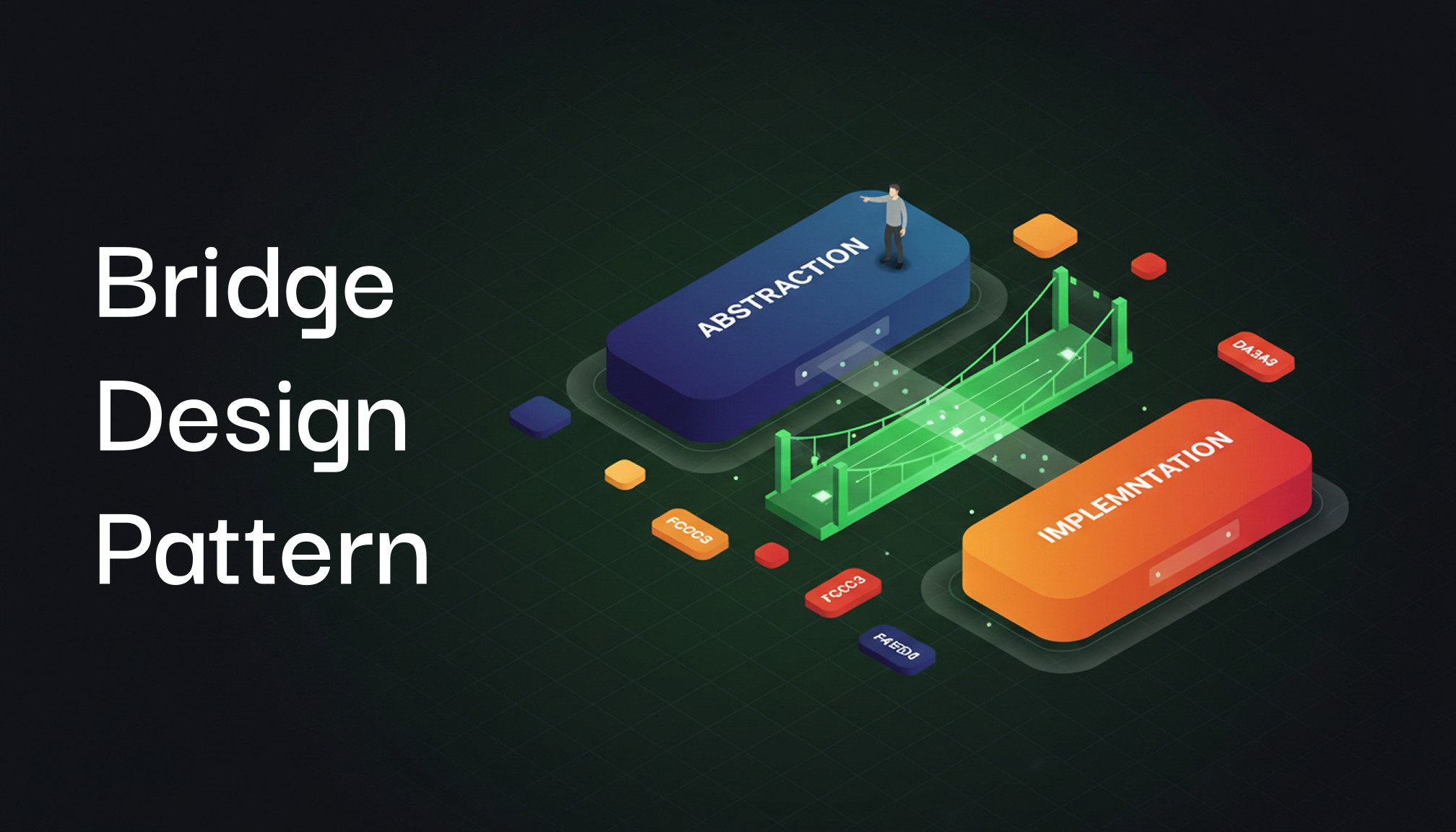
At its core, the Bridge pattern is about decoupling an abstraction from its implementation, so the two can evolve independently. This pattern is particularly useful when both the abstraction (the high-level logic) and the implementation (the low-level details) need to change, but you don’t want changes in one part to ripple through the other. The result is code that’s flexible, extendable, and easy to maintain.
Here’s a simple analogy:
Imagine you’re running an online payment system with different payment methods like Credit Cards and PayPal. You also have different banks that process these payments. Without the Bridge pattern, you might end up creating classes like CreditCardWithBankA, CreditCardWithBankB, PayPalWithBankA, etc. It quickly becomes a tangled mess.
Instead, you can apply the Bridge pattern, where you define payment methods and banks separately, and “bridge” them together, allowing them to change independently.
Understanding the Key Components
Before we jump into code, let’s break down the Bridge pattern into its key components:
Abstraction: The high-level interface that clients interact with. This defines what needs to be done.
Implementor: The low-level interface for concrete implementations, defining how things get done.
Refined Abstraction: A specialization of the abstraction, adding more behavior or functionality.
Concrete Implementor: A concrete implementation of the low-level details.
When Should You Use the Bridge Pattern?
The Bridge pattern shines in scenarios where:
Multiple Dimensions of Change: Both the abstraction and its implementation are expected to vary independently.
Avoid Class Explosion: You want to avoid a proliferation of subclasses to handle every combination of abstraction and implementation.
Decoupling for Flexibility: You need to extend one part of your system without touching the other.
Applying the Bridge Pattern to a Messaging System
Let’s implement a Messaging System where different message types (SMS, Email) can be sent using different platforms (Twilio, SendGrid). In a traditional setup, we might end up with a complex inheritance structure to handle all combinations. With the Bridge pattern, we keep things simple and decoupled.
The Code Example:
namespace BridgeDesignPattern
{
public interface IMessageSender
{
void SendMessage(string message);
}
}
namespace BridgeDesignPattern
{
public class SmsSender : IMessageSender
{
public void SendMessage(string message)
{
Console.WriteLine($"Sending SMS: {message}");
}
}
}
namespace BridgeDesignPattern
{
public class EmailSender : IMessageSender
{
public void SendMessage(string message)
{
Console.WriteLine($"Sending Email: {message}");
}
}
}
namespace BridgeDesignPattern
{
public abstract class Message
{
protected IMessageSender _messageSender;
protected Message(IMessageSender messageSender)
{
_messageSender = messageSender;
}
public abstract void Send(string content);
}
}
namespace BridgeDesignPattern
{
public class SimpleMessage : Message
{
public SimpleMessage(IMessageSender messageSender) : base(messageSender) { }
public override void Send(string content)
{
Console.WriteLine("Sending Simple Message:");
_messageSender.SendMessage(content);
}
}
}
namespace BridgeDesignPattern
{
public class UrgentMessage : Message
{
public UrgentMessage(IMessageSender messageSender) : base(messageSender) { }
public override void Send(string content)
{
Console.WriteLine("Sending Urgent Message:");
_messageSender.SendMessage("[URGENT] " + content);
}
}
}
namespace BridgeDesignPattern
{
public class Program
{
static void Main(string[] args)
{
IMessageSender smsSender = new SmsSender();
IMessageSender emailSender = new EmailSender();
Message simpleSms = new SimpleMessage(smsSender);
simpleSms.Send("Hello! This is a simple SMS.");
Message urgentEmail = new UrgentMessage(emailSender);
urgentEmail.Send("Server down! Immediate attention needed.");
}
}
}namespace BridgeDesignPattern
{
public interface IMessageSender
{
void SendMessage(string message);
}
}
namespace BridgeDesignPattern
{
public class SmsSender : IMessageSender
{
public void SendMessage(string message)
{
Console.WriteLine($"Sending SMS: {message}");
}
}
}
namespace BridgeDesignPattern
{
public class EmailSender : IMessageSender
{
public void SendMessage(string message)
{
Console.WriteLine($"Sending Email: {message}");
}
}
}
namespace BridgeDesignPattern
{
public abstract class Message
{
protected IMessageSender _messageSender;
protected Message(IMessageSender messageSender)
{
_messageSender = messageSender;
}
public abstract void Send(string content);
}
}
namespace BridgeDesignPattern
{
public class SimpleMessage : Message
{
public SimpleMessage(IMessageSender messageSender) : base(messageSender) { }
public override void Send(string content)
{
Console.WriteLine("Sending Simple Message:");
_messageSender.SendMessage(content);
}
}
}
namespace BridgeDesignPattern
{
public class UrgentMessage : Message
{
public UrgentMessage(IMessageSender messageSender) : base(messageSender) { }
public override void Send(string content)
{
Console.WriteLine("Sending Urgent Message:");
_messageSender.SendMessage("[URGENT] " + content);
}
}
}
namespace BridgeDesignPattern
{
public class Program
{
static void Main(string[] args)
{
IMessageSender smsSender = new SmsSender();
IMessageSender emailSender = new EmailSender();
Message simpleSms = new SimpleMessage(smsSender);
simpleSms.Send("Hello! This is a simple SMS.");
Message urgentEmail = new UrgentMessage(emailSender);
urgentEmail.Send("Server down! Immediate attention needed.");
}
}
}namespace BridgeDesignPattern
{
public interface IMessageSender
{
void SendMessage(string message);
}
}
namespace BridgeDesignPattern
{
public class SmsSender : IMessageSender
{
public void SendMessage(string message)
{
Console.WriteLine($"Sending SMS: {message}");
}
}
}
namespace BridgeDesignPattern
{
public class EmailSender : IMessageSender
{
public void SendMessage(string message)
{
Console.WriteLine($"Sending Email: {message}");
}
}
}
namespace BridgeDesignPattern
{
public abstract class Message
{
protected IMessageSender _messageSender;
protected Message(IMessageSender messageSender)
{
_messageSender = messageSender;
}
public abstract void Send(string content);
}
}
namespace BridgeDesignPattern
{
public class SimpleMessage : Message
{
public SimpleMessage(IMessageSender messageSender) : base(messageSender) { }
public override void Send(string content)
{
Console.WriteLine("Sending Simple Message:");
_messageSender.SendMessage(content);
}
}
}
namespace BridgeDesignPattern
{
public class UrgentMessage : Message
{
public UrgentMessage(IMessageSender messageSender) : base(messageSender) { }
public override void Send(string content)
{
Console.WriteLine("Sending Urgent Message:");
_messageSender.SendMessage("[URGENT] " + content);
}
}
}
namespace BridgeDesignPattern
{
public class Program
{
static void Main(string[] args)
{
IMessageSender smsSender = new SmsSender();
IMessageSender emailSender = new EmailSender();
Message simpleSms = new SimpleMessage(smsSender);
simpleSms.Send("Hello! This is a simple SMS.");
Message urgentEmail = new UrgentMessage(emailSender);
urgentEmail.Send("Server down! Immediate attention needed.");
}
}
}namespace BridgeDesignPattern
{
public interface IMessageSender
{
void SendMessage(string message);
}
}
namespace BridgeDesignPattern
{
public class SmsSender : IMessageSender
{
public void SendMessage(string message)
{
Console.WriteLine($"Sending SMS: {message}");
}
}
}
namespace BridgeDesignPattern
{
public class EmailSender : IMessageSender
{
public void SendMessage(string message)
{
Console.WriteLine($"Sending Email: {message}");
}
}
}
namespace BridgeDesignPattern
{
public abstract class Message
{
protected IMessageSender _messageSender;
protected Message(IMessageSender messageSender)
{
_messageSender = messageSender;
}
public abstract void Send(string content);
}
}
namespace BridgeDesignPattern
{
public class SimpleMessage : Message
{
public SimpleMessage(IMessageSender messageSender) : base(messageSender) { }
public override void Send(string content)
{
Console.WriteLine("Sending Simple Message:");
_messageSender.SendMessage(content);
}
}
}
namespace BridgeDesignPattern
{
public class UrgentMessage : Message
{
public UrgentMessage(IMessageSender messageSender) : base(messageSender) { }
public override void Send(string content)
{
Console.WriteLine("Sending Urgent Message:");
_messageSender.SendMessage("[URGENT] " + content);
}
}
}
namespace BridgeDesignPattern
{
public class Program
{
static void Main(string[] args)
{
IMessageSender smsSender = new SmsSender();
IMessageSender emailSender = new EmailSender();
Message simpleSms = new SimpleMessage(smsSender);
simpleSms.Send("Hello! This is a simple SMS.");
Message urgentEmail = new UrgentMessage(emailSender);
urgentEmail.Send("Server down! Immediate attention needed.");
}
}
}Breaking Down the Code
In this example, the Abstraction is the Message class, which could represent different types of messages, like SimpleMessage or UrgentMessage. The Implementor is the IMessageSender interface, and its concrete implementations are SmsSender and EmailSender, which handle the specifics of sending messages via SMS or Email.
Instead of creating multiple subclasses to cover all possible combinations, we bridge the gap between the two dimensions of variability (message types and platforms) by decoupling them.
Why Should You Use the Bridge Pattern?
The real power of the Bridge pattern comes into play when you’re faced with growing complexity in your project. Imagine you need to add Push Notifications as another platform or introduce a new message type like ScheduledMessage. Without the Bridge pattern, you’d likely end up with an explosion of subclasses to handle every combination. With Bridge, you only need to implement the new platform or message type and “bridge” it with existing components.
This flexibility ensures that as your system scales, your code remains clean and maintainable.
Key Takeaways
The Bridge pattern is a powerful tool when you have multiple dimensions of change.
It promotes composition over inheritance, avoiding the explosion of subclasses.
Developers can introduce new functionalities or platforms with minimal changes to existing code.
Advantages of the Bridge Pattern
Decoupling Abstraction and Implementation: They can be extended independently, making your code more flexible.
Reduce Class Explosion: Keeps your class hierarchy clean and focused by avoiding redundant subclasses.
Improved Maintainability: Since abstraction and implementation evolve separately, your code is easier to maintain and extend.
Disadvantages of the Bridge Pattern
Increased Complexity: Like all design patterns, the Bridge pattern introduces additional interfaces and layers of abstraction. If not applied properly, it can make your code unnecessarily complicated.
Overhead: The indirection between abstraction and implementation might lead to performance overhead, though this is rarely a major issue.
Final Thoughts
The Bridge pattern might seem like overkill in small projects, but in large systems with multiple axes of variation, it’s a lifesaver. The ability to decouple abstraction from implementation provides a scalable solution that will help your code adapt to future changes. Whether you’re building a messaging platform, a payment system, or even a device controller, the Bridge pattern has your back.
So the next time you face complexity in your code that requires flexibility, think Bridge!
Stay tuned for the next post in the series, where we’ll continue exploring more structural design patterns. And as always, feel free to share your thoughts, questions, or experiences with the Bridge pattern in the comments below!
Happy coding!